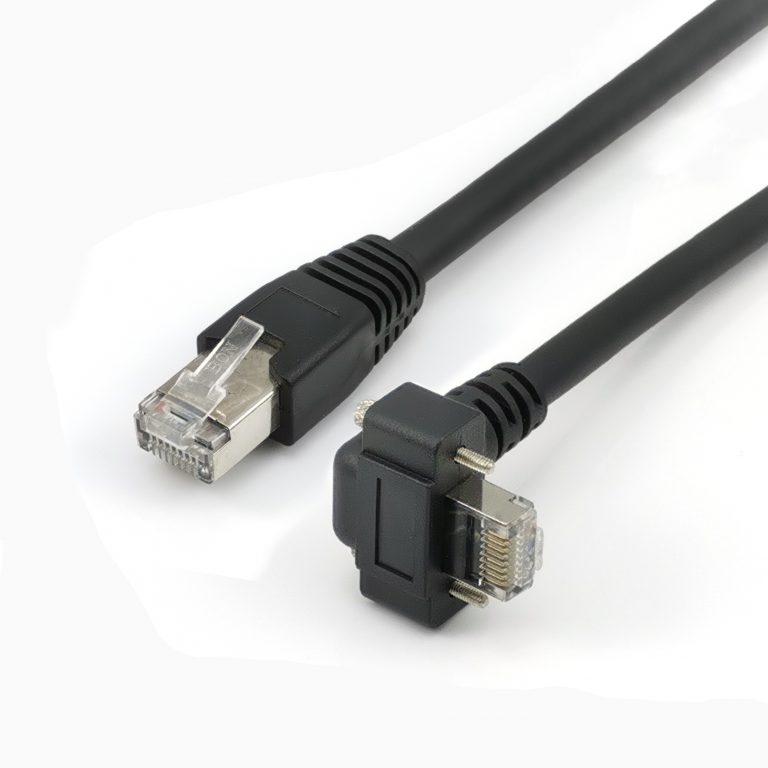
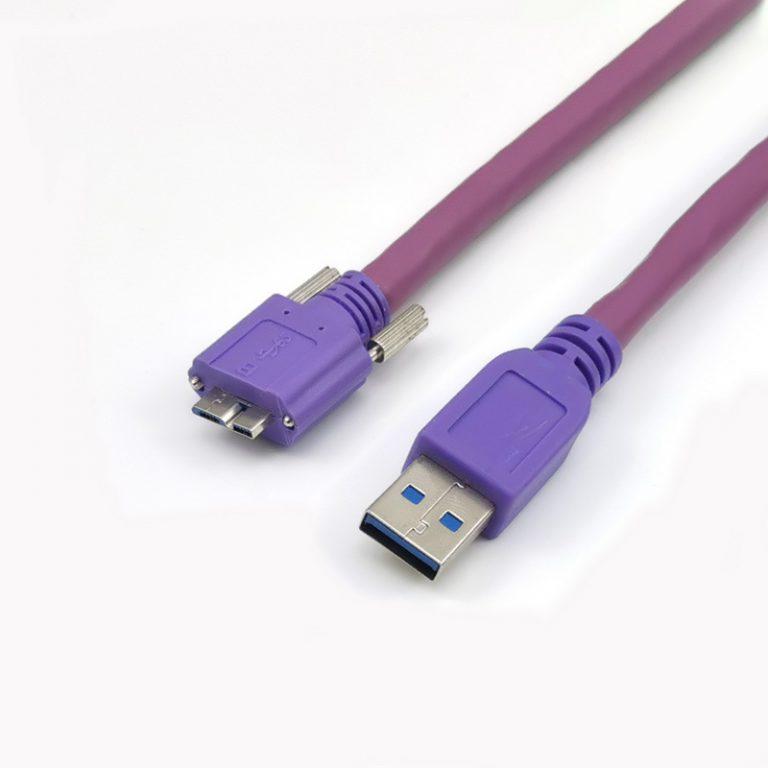
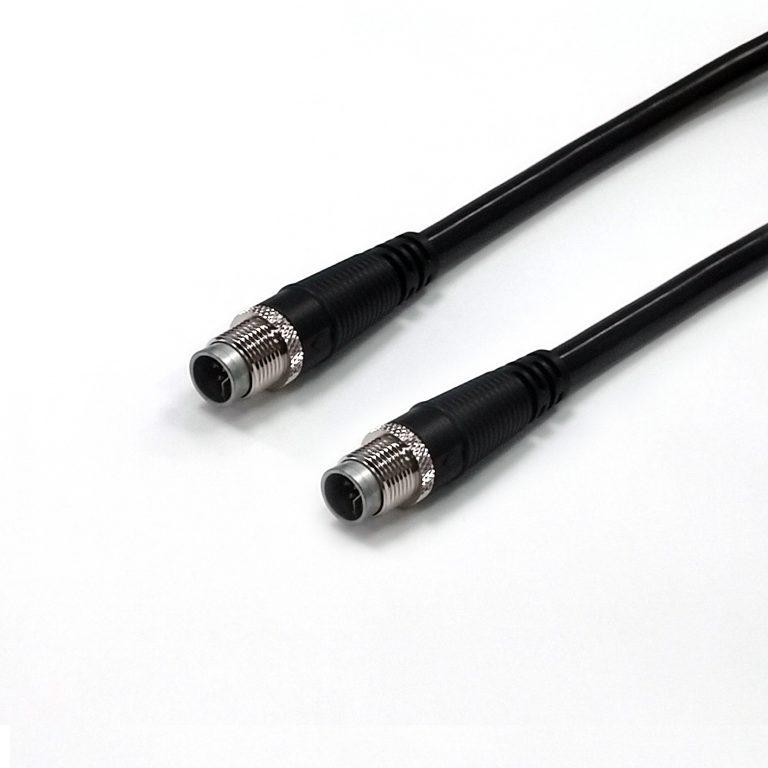
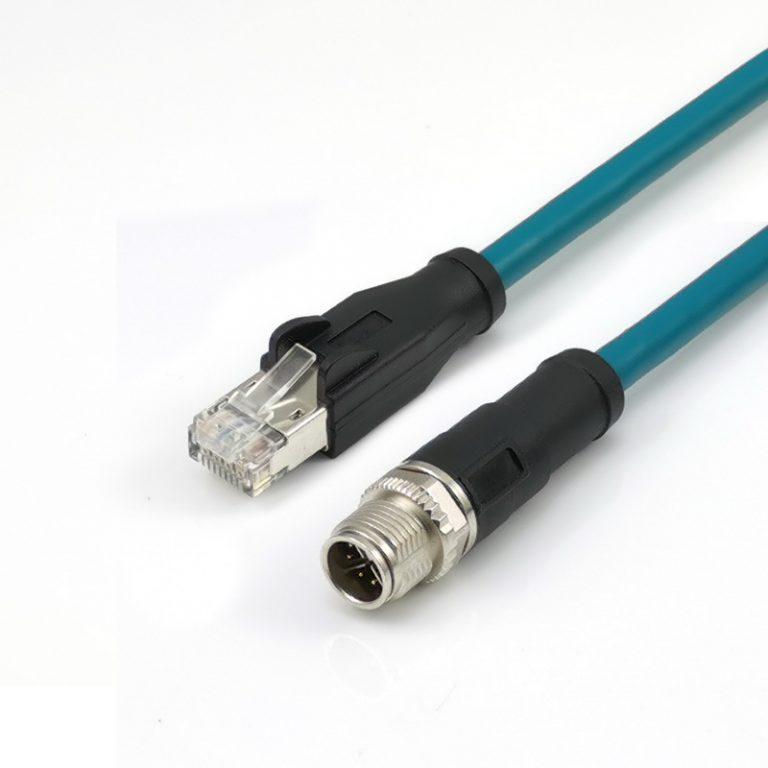
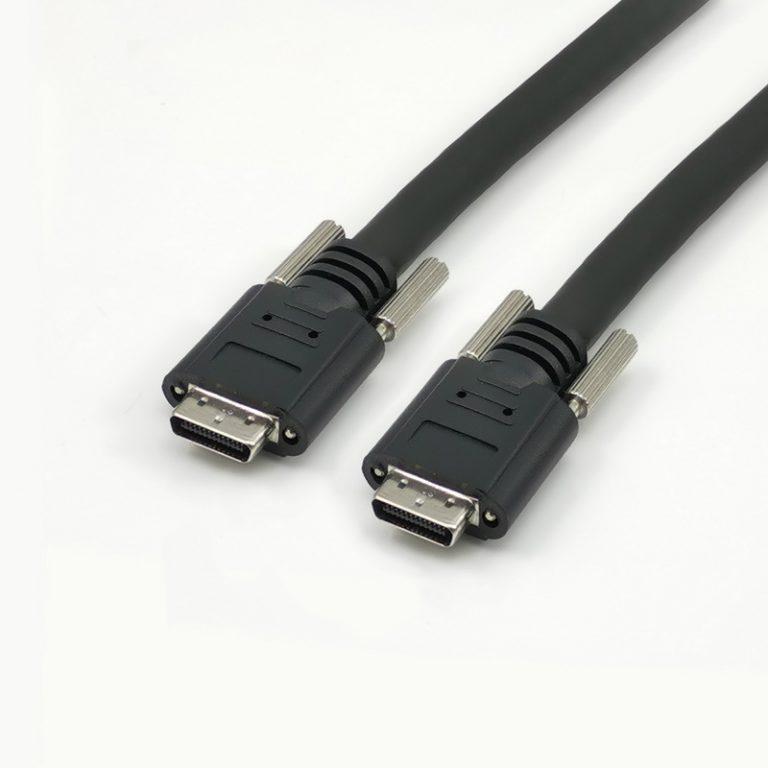
An Ethernet Cable is a type of network cable commonly used for wired network connections. It facilitates the transmission of data between devices, such as computers, routers, and switches, in local area networks (LANs) and wide area networks (WANs).
Specifications of Ethernet Cable
Specification
Details
Cable Type
Ethernet Cable
Connector Types
RJ45 (Registered Jack 45)
Categories
Cat5e, Cat6, Cat6a, Cat7, Cat8
Data Transfer Rates
Varies (Up to 40 Gbps for Cat8)
Cable Length
Various lengths available
Shielding
U/UTP, F/UTP, U/FTP, S/FTP, F/FTP
Categories of Ethernet Cable
Category
Description
Cat5e
Supports up to 1 Gbps data transfer
Cat6
Supports up to 10 Gbps data transfer
Cat6a
Supports up to 10 Gbps (100 meters) or 25/40 Gbps (shorter distances)
Cat7
Supports up to 10 Gbps (100 meters) or 25/40 Gbps (shorter distances)
Cat8
Supports up to 25/40 Gbps or higher
Applications of Ethernet Cable
Ethernet Cables are widely used in various applications, including:
Home Networks: Connecting computers, printers, and other devices in homes.
Office Networks: Establishing wired connections in office environments.
Data Centers: Interconnecting servers and networking equipment.
Industrial Settings: Providing reliable connectivity in industrial automation systems.
Telecommunications: Supporting wired communication infrastructure.
Features of Ethernet Cable
High-Speed Data Transfer: Offers high data transfer rates, with newer categories supporting faster speeds.
Reliability: Wired connections are generally more reliable than wireless connections.
Low Latency: Provides low latency, making it suitable for real-time applications.
Versatility: Available in various categories to meet different speed and performance requirements.
Structured Cabling: Part of structured cabling systems for organized network installations.
Advantages of Ethernet Cable
Stability: Wired connections offer stable and consistent network performance.
Security: Less susceptible to interference and eavesdropping compared to wireless connections.
Cost-Effective: Generally more cost-effective than implementing a wireless infrastructure.
Versatility: Suitable for a wide range of devices and network setups.
Working Principle about Ethernet Cable
Ethernet Cables use twisted pairs of copper wires to transmit electrical signals. The RJ45 connectors at each end of the cable connect to Ethernet ports on devices, facilitating the transfer of data through the network.
How to Make Ethernet Cable
The manufacturing process involves:
Twisting Pairs: Twisting pairs of copper wires to reduce electromagnetic interference.
Insulation: Adding insulation to protect the wires.
Connector Termination: Attaching RJ45 connectors to each end.
Testing: Ensuring proper connectivity and compliance with specifications.
Why Choose Us
Quality Assurance: Stringent testing procedures to ensure cable performance.
Customization: Offering cables of various lengths and categories to meet specific requirements.
Industry Standards: Adhering to industry standards for reliable and compatible products.
Experience: Extensive experience in Ethernet cable design and manufacturing.
FAQs about Ethernet Cable
Q: What is the maximum length for an Ethernet cable?
A: The maximum length for Ethernet cables depends on the category. For Cat5e, Cat6, and Cat6a, the maximum length is 100 meters. Cat7 and Cat8 support shorter distances for higher data rates.
Q: Can I use an Ethernet cable for both data and power (Power over Ethernet, PoE)?
A: Yes, some Ethernet cables, especially Cat5e and above, support Power over Ethernet (PoE), allowing them to transmit both data and electrical power.
Q: What is the difference between Cat5e, Cat6, and Cat6a cables?
A: Cat5e supports up to 1 Gbps, Cat6 supports up to 10 Gbps, and Cat6a supports up to 10 Gbps at longer distances or 25/40 Gbps at shorter distances.
Q: Can I use a Cat6 cable instead of a Cat5e cable for my home network?
A: Yes, using a Cat6 cable can provide higher data transfer rates, but it’s essential to ensure that your devices and network infrastructure support Cat6.
Q: What is the purpose of shielding in Ethernet cables?
A: Shielding (such as FTP or STP) helps reduce electromagnetic interference, enhancing the cable’s performance in environments with potential sources of interference.
Q: Can I connect devices with different Ethernet cable categories?
A: Yes, you can connect devices with different cable categories, but the overall performance will be limited by the lower category cable.
Q: What is the difference between U/UTP and F/UTP in Ethernet cables?
A: U/UTP (Unshielded Twisted Pair) has no additional shielding, while F/UTP (Foiled Twisted Pair) includes an overall foil shield to reduce electromagnetic interference.
Q: Are Ethernet cables backward compatible?
A: Yes, Ethernet cables are generally backward compatible. For example, a Cat6 cable can be used in a Cat5e network, but the network’s overall speed will be limited to the lower category.
Q: Can I use an Ethernet cable for gaming, and does the category matter for gaming performance?
A: Yes, Ethernet cables are suitable for gaming, and the category can impact performance. Higher categories, such as Cat6 or Cat6a, are recommended for optimal gaming experiences, especially for high-speed and low-latency requirements.